How AI Is Quietly Changing the Way We Edit and Grade in DaVinci Resolve
AI is quietly changing video editing and colour grading inside DaVinci Resolve. With tools powered by the DaVinci Neural Engine, repetitive tasks become faster, letting editors and colourists focus more on creativity. Whether you're editing YouTube videos, films, or OTT content, understanding these AI features can significantly improve your workflow and career.
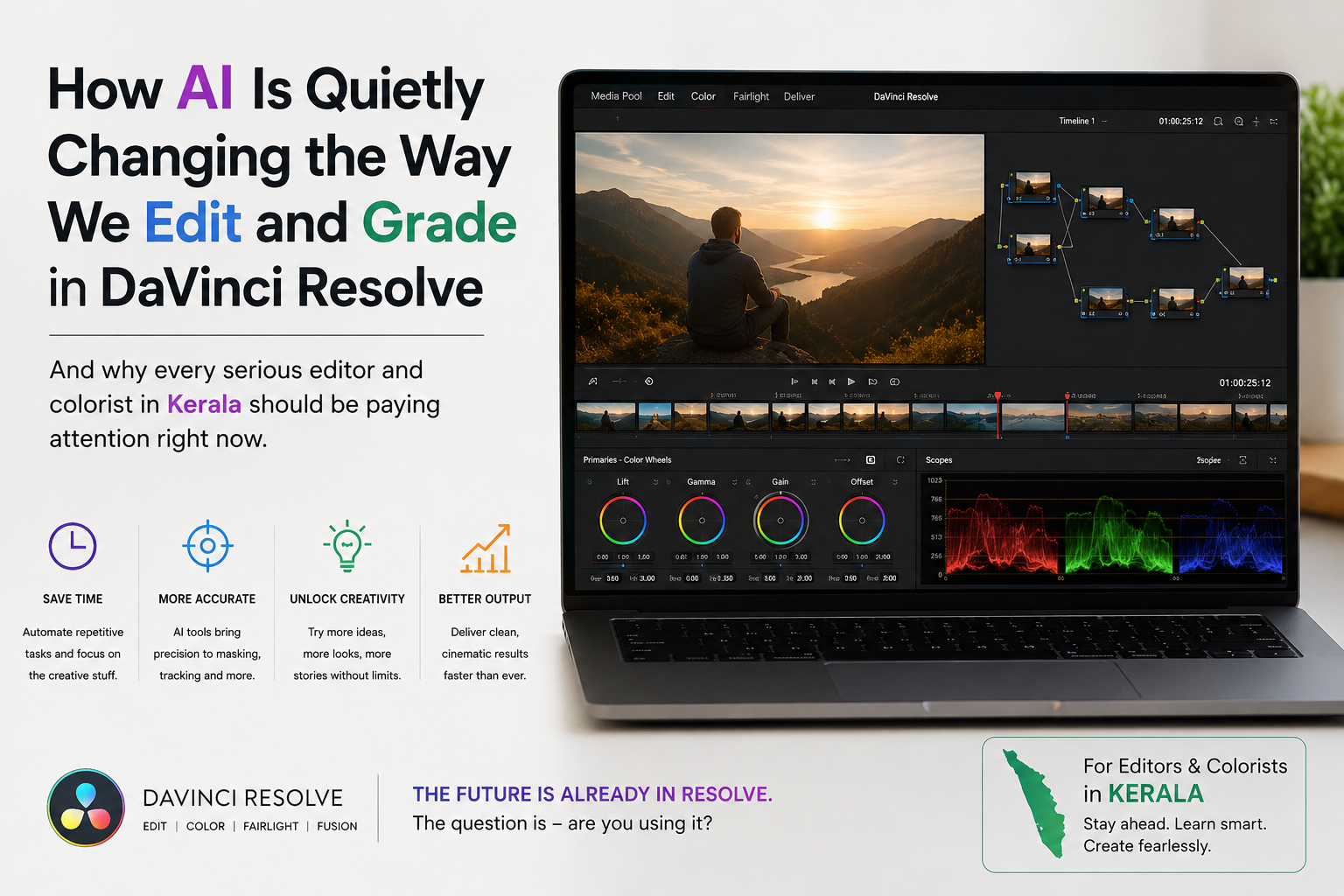
And why every serious editor and colorist in Kerala should be paying attention right now
Something is happening inside DaVinci Resolve that most people haven't fully noticed yet. And honestly? It's one of those exciting little shifts that sneaks up on you — the kind where you suddenly realise, "Wait, how did I ever work without this?"
AI has been making its way into Resolve for a few years now, and Blackmagic Design has been rolling it out in the most thoughtful way. It's not loud or flashy. It just quietly makes your work faster, cleaner, and — when you understand it — genuinely more creative.
Whether you're a video editor working on YouTube content, a filmmaker grading your first short film, or someone doing serious DI (Digital Intermediate) work, the AI tools baked into Resolve are worth understanding properly. Let's dig into all of it!
What Does "AI in DaVinci Resolve" Actually Mean?
Let's be clear about something first — AI here doesn't mean some robot is making creative decisions for you. Not at all! What it means is that certain tasks that used to take a long time or require very specific technical skills can now be done much faster with the help of smart, trained systems inside the software.
Blackmagic calls their AI technology DaVinci Neural Engine. It runs on your GPU and handles a range of tasks across editing, audio, and most excitingly — colour work.
The Big AI Features Inside DaVinci Resolve
1. Magic Mask (and the Object Tracker)
Oh, this one is a game-changer for anyone doing colour work! Magic Mask lets you isolate a specific person or object in your frame — without drawing a single manual shape. You just hover over what you want to isolate, and the Neural Engine figures out the edges on its own.
Want to brighten just the skin tone of your subject without touching the background? Done. Want to add a colour grade only to the sky while keeping everything else untouched? Magic Mask handles it.
For someone learning colour grading — especially in a practical, hands-on environment — understanding how to combine Magic Mask with traditional secondary grading is one of those skills that immediately separates a beginner from someone who really knows what they're doing.
2. Face Refinement
This is genuinely lovely. Face Refinement detects faces in your shot and gives you dedicated controls to separately adjust the skin, eyes, lips, and teeth — all automatically tracked. No rotoscoping. No keyframe headaches.
For commercial work, documentaries, or any content where people are front and centre, this tool saves enormous amounts of time. A colourist who knows how to use Face Refinement professionally is always a step ahead.
3. Scene Cut Detection
Drop a long clip into the timeline, and DaVinci can automatically detect where the cuts are — even in pre-edited footage or mixed formats. It saves hours when you're conforming a project or working with older media.
This one's particularly handy for DI work, where you're often dealing with already-edited timelines that need to be regraded from scratch.
4. Speed Warp (AI-Powered Slow Motion)
Slow motion used to require high-frame-rate cameras. Now, Speed Warp uses AI to create new frames between existing ones — generating genuinely smooth slow motion from regular 25fps or 30fps footage.
The results are surprisingly good and keep getting better with each version of Resolve. It's not magic every single time, but for a lot of shots, especially with simple backgrounds and smooth movement, it looks incredible.
5. Noise Reduction (Temporal and Spatial)
Resolve has always had excellent noise reduction. With Neural Engine doing the heavy lifting, you can clean up noisy low-light footage while keeping detail intact — something that's notoriously hard to do well manually.
For cinematographers shooting in difficult lighting conditions, this is one of the most practical AI tools in the entire suite.
6. SuperScale
Want to upscale your footage from HD to 4K, or 4K to 8K, while keeping it sharp? SuperScale uses AI to do exactly that. It analyses the image and intelligently adds detail rather than just blowing up pixels.
This is useful when you're archiving projects, creating future-proof deliverables, or working with mixed-resolution footage in the same timeline.
7. Auto Colour and Colour Matching
For editors who aren't professional colourists, the auto colour feature is a real help. It analyses your clips and applies a starting grade to get you in the right ballpark — balanced, usable, and not wildly off.
More impressive is the Colour Matching tool, which looks at a reference frame and tries to match your shot to it. Colourists use this as a starting point, then refine manually. It's not a replacement for skill — but it's a wonderful assistant.
How AI Changes the Workflow (Not Just the Tools)
Here's what's genuinely exciting: these AI tools don't just save time. They change how you think about colour work.
When isolating a subject used to take 30 minutes of manual masking, you'd only do it when it was necessary. Now that Magic Mask can do it in seconds, you start asking different creative questions — "What if I give the subject one colour treatment and the environment a completely different one?" It opens up creative possibilities that were technically possible before but practically out of reach.
This is why understanding AI tools as part of a complete colour workflow — not just clicking buttons — is what real training gives you. Anyone can press a button. Understanding why you're using a tool, when to trust it, and when to override it manually — that's the difference between dabbling and doing professional work.
Why Learning This Properly Matters
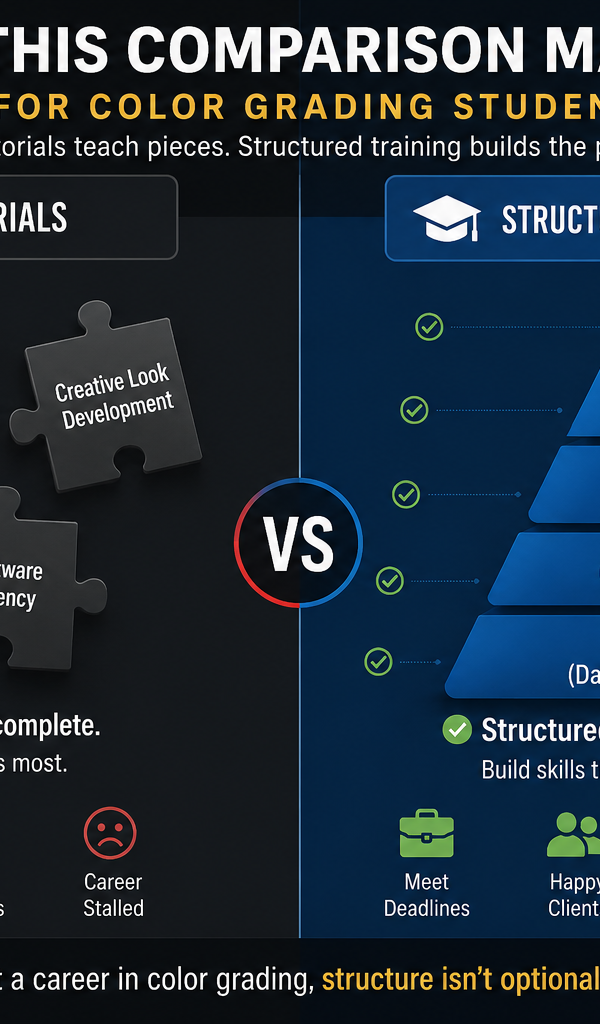
Here's the truth: watching YouTube tutorials can teach you individual tricks. But they don't teach you how to think like a colourist.
There's a reason why serious filmmakers and post-production professionals in Kerala are increasingly looking for structured, hands-on training — one where they work on actual footage, understand the full pipeline, and build real instincts.
If you've been searching for a colour grading course in Kochi, or trying to figure out where to find a proper colour grading course in Kerala, the important thing to look for isn't just whether a course covers these tools — it's whether the course teaches you how professionals actually use them in real projects.
A good training programme will walk you through:
Understanding the colour science behind what AI is doing (so you can correct it when it goes wrong)
Combining AI-assisted tools with manual grading for full creative control
Working inside a DI pipeline — the kind of workflow used on actual film and commercial productions
Exporting with proper technical specs for broadcast, cinema, and OTT
For those aiming specifically at post-production facilities or film production workflows, a DI colorist course in Kochi that covers both the technical side of digital intermediate and the creative side of colour language is the kind of training that actually prepares you for real work.
Is AI Making Colourists Redundant? (Honestly, No)
This question comes up a lot, and it's worth addressing head-on.
AI in DaVinci Resolve is incredibly good at certain tasks — isolating objects, matching shots, and reducing noise. But it has no sense of story. It doesn't know that the warm golden light in this scene should feel nostalgic. It doesn't understand that the cold blue in the next shot needs to feel isolating and lonely to serve the narrative.
Colour grading is a deeply human skill. It's about emotion, storytelling, and visual language. AI handles the repetitive, technical parts — and that's genuinely great, because it gives colourists more time to focus on the creative decisions that actually matter.
The professionals who will thrive are the ones who learn both: the AI tools and the creative, technical foundation that lets them direct those tools with intention.
Quick Tips: Getting the Most from AI Tools in Resolve
Some practical things to keep in mind when you start using these features:
Let AI give you a starting point, not the final answer. Auto colour and colour matching are brilliant for getting ballpark results quickly. Always refine manually from there.
Magic Mask works best with good contrast between the subject and the background. In tricky, low-contrast shots, you'll still need to combine it with manual window corrections.
Speed Warp needs a clean shot. Complex backgrounds with lots of movement can trip it up. Keep that in mind during your shoot if you're planning to use it.
Neural Engine is GPU-hungry. If you're on an older system, some AI features will be slow or unavailable. For serious work, a dedicated GPU makes a big difference.
Learn the keyboard shortcuts for AI features. Once you know where they live, they become part of your natural flow rather than something you hunt through menus for.
Frequently Asked Questions
Q: Is DaVinci Resolve free to use? Yes! The free version of DaVinci Resolve is incredibly powerful and includes most of the AI features like Magic Mask, scene cut detection, noise reduction, and colour matching. DaVinci Resolve Studio (paid) adds SuperScale, more advanced noise reduction options, and a few additional Neural Engine features.
Q: Do I need a powerful computer to use AI features in Resolve? The Neural Engine relies on your GPU. Most modern computers with a dedicated graphics card will handle the basic AI tools well. For 4K and above, a more powerful GPU makes a noticeable difference in render speeds and real-time playback.
Q: Can someone with no prior experience learn DaVinci Resolve? Absolutely yes! Resolve has a steeper learning curve than some editors, but it's designed with professionals in mind, which means every tool has real depth. Starting with the basics and building systematically — especially through a structured course — is the most efficient path.
Q: How is AI colour grading different from manual colour grading? AI colour grading uses trained models to analyse footage and apply corrections based on patterns learned from large amounts of data. Manual colour grading is a creative, intentional process guided by the story and emotion of the project. The best results come from using AI as a starting point and refining with manual skill.
Q: Where can I learn colour grading with DaVinci Resolve in Kerala? There are training centres in Kochi that offer specialised courses in colour grading and DI (Digital Intermediate) work using DaVinci Resolve. Look for courses that offer hands-on practice with real footage, mentorship from working professionals, and coverage of both the technical and creative aspects of colour work.
Q: What is a DI colorist and what do they do? DI stands for Digital Intermediate — it refers to the post-production process where all the footage from a film or project is brought together, colour-graded, and prepared for final delivery. A DI colorist works at this stage, handling everything from shot matching and primary grades to complex secondary work, ensuring the final output looks exactly as the director of photography intended, across every delivery format.
Q: How long does it take to become a professional colorist? It varies, but most people see a significant jump in their skills within three to six months of focused, hands-on practice — especially with proper mentorship. Getting your first few professional projects tends to accelerate learning faster than anything else.
Wrapping Up
AI in DaVinci Resolve isn't some far-off future thing — it's already here, it's practical, and it's genuinely changing what's possible in post-production. The exciting part isn't that AI replaces skill. The exciting part is that when you pair real skill with these tools, the quality and speed of your work go to a whole different level.
If you've been curious about getting into colour work seriously — whether you're in Kochi, elsewhere in Kerala, or anywhere really — there's never been a better time to start. The tools are accessible, the opportunities in post-production are growing, and the gap between "I watched some tutorials" and "I actually trained properly" is what determines who gets the real work.
Go learn it. Go do it. The colour room is waiting for you!