
Learn professional colour grading in DaVinci Resolve.
From scratch to studio-ready. Industry-level grading skills, real cinema-camera footage, and the workflow of a working colourist — built for filmmakers, editors and creators.
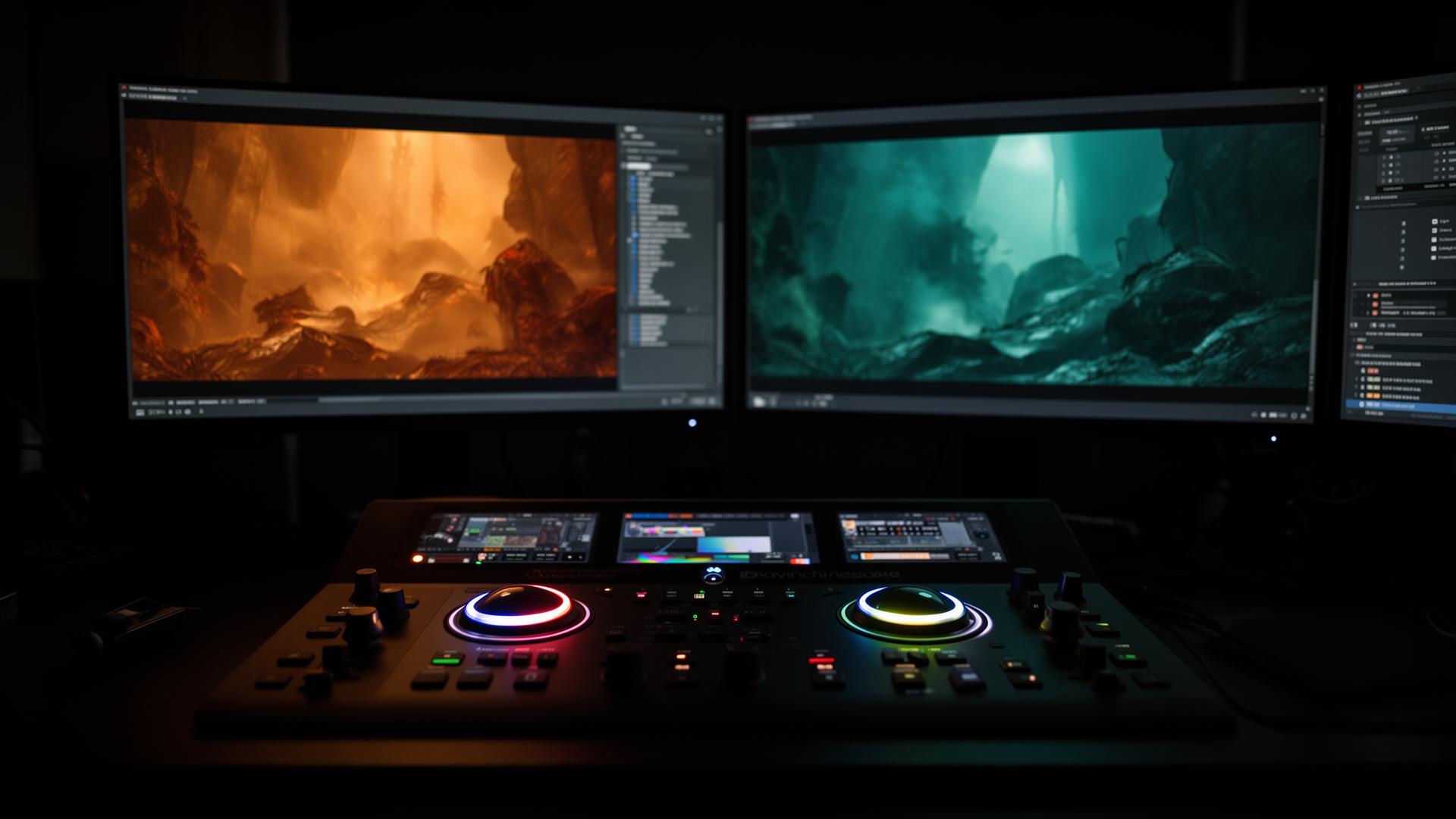
Stop guessing.
Start grading like a pro.
You shoot great content, but the final frame still feels off. You've tried LUTs, scattered tutorials, and you're still missing that cinematic finish. This is the structured path that closes the gap.
- Frames that finally look like films
- Confidence with scopes, nodes & log footage
- A reel that gets you noticed by brands and studios
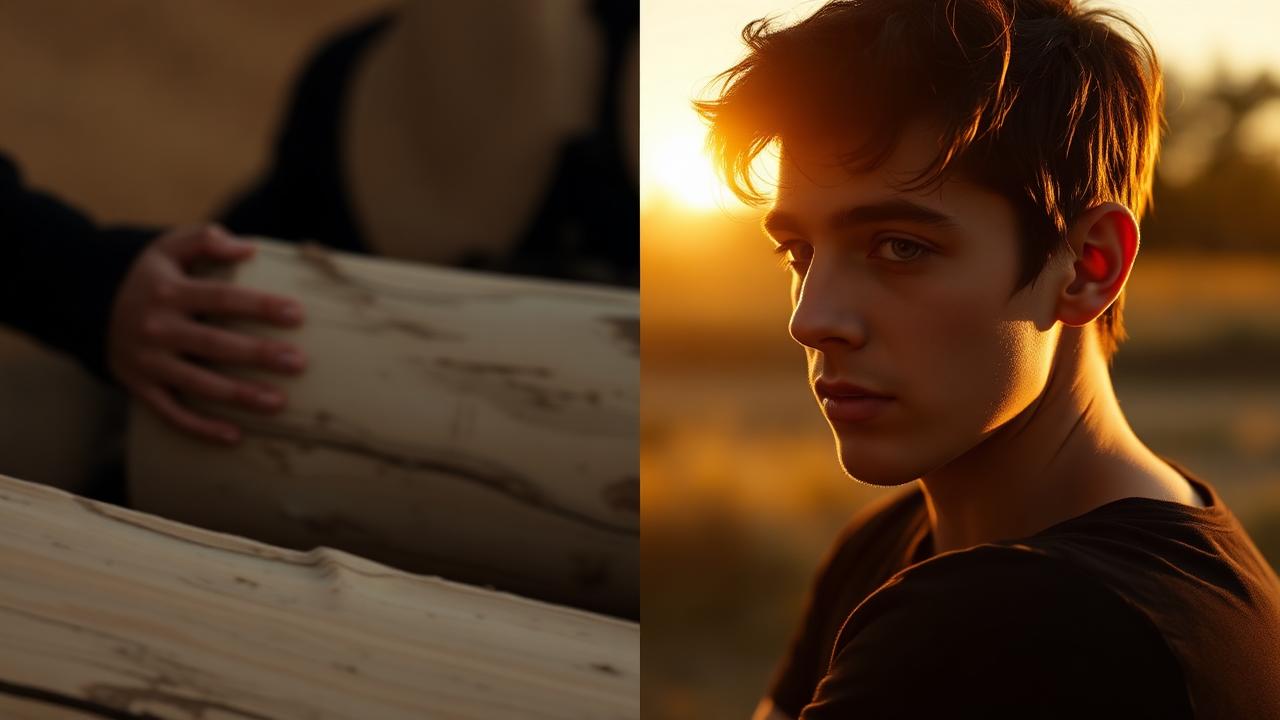
Your learning journey — from basics to pro-level grading.
A structured, step-by-step roadmap of 12 modules taking you from the fundamentals to real-world studio workflows.
Conforming
Bring footage in. Get master output out.
- Conform from FCP, Premiere & other NLEs
- Blade & bake, XML workflows, proxy relinking
- Proper delivery for graded footage
Colour Theory
Understand colour. Feel emotion.
- Primary & secondary colour in practice
- Emotional impact of palettes
- Contrast, harmony & visual rhythm
Camera Study
ARRI, RED, Sony, Blackmagic, Canon.
- Log & RAW workflows for every brand
- Camera-specific Resolve tools
- Real professional footage included
Colour Correction
The technical backbone of every grade.
- Fix exposure, white balance & contrast
- Scopes, tonal ranges & log wheels
- Match natural skin tones precisely
Shot Matching
Seamless cuts. Unified look.
- Multi-cam workflows
- Match exposure, WB & colour
- Power grades, gallery stills, versioning
Creative Grading
Build signature cinematic looks.
- Style-specific breakdowns
- Replicate famous movie looks
- Film grain, halation, LUT creation
OpenFX & Pro Tips
Push grades further with hidden tricks.
- Glow, grain, lens flares, overlays
- Sharpening & Film Look Creator
- Workflow accelerators
Control Surfaces
Work like a studio colourist.
- DaVinci Resolve Mini Panel & alternatives
- Set up your grading space
- Speed up with physical controls
Colour Management
DWG, RCM & LUT pipelines.
- Resolve Colour Management (RCM)
- LUT-based vs managed grading
- Consistency across shots & devices
AI Tools in Resolve
Faster, smarter grading.
- Magic Mask & AI tracking
- Auto-matching workflows
- Resolve 20 AI features
Build a Career
Real-world roadmap for colourists.
- How to get clients & charge pro rates
- Crafting a powerful showreel
- Building your creative brand
Bonus Toolkit
Plug-and-play assets to elevate fast.
- Ready-to-use LUTs (film / commercial / MV)
- Grading templates & node setups
- Curated plugin recommendations
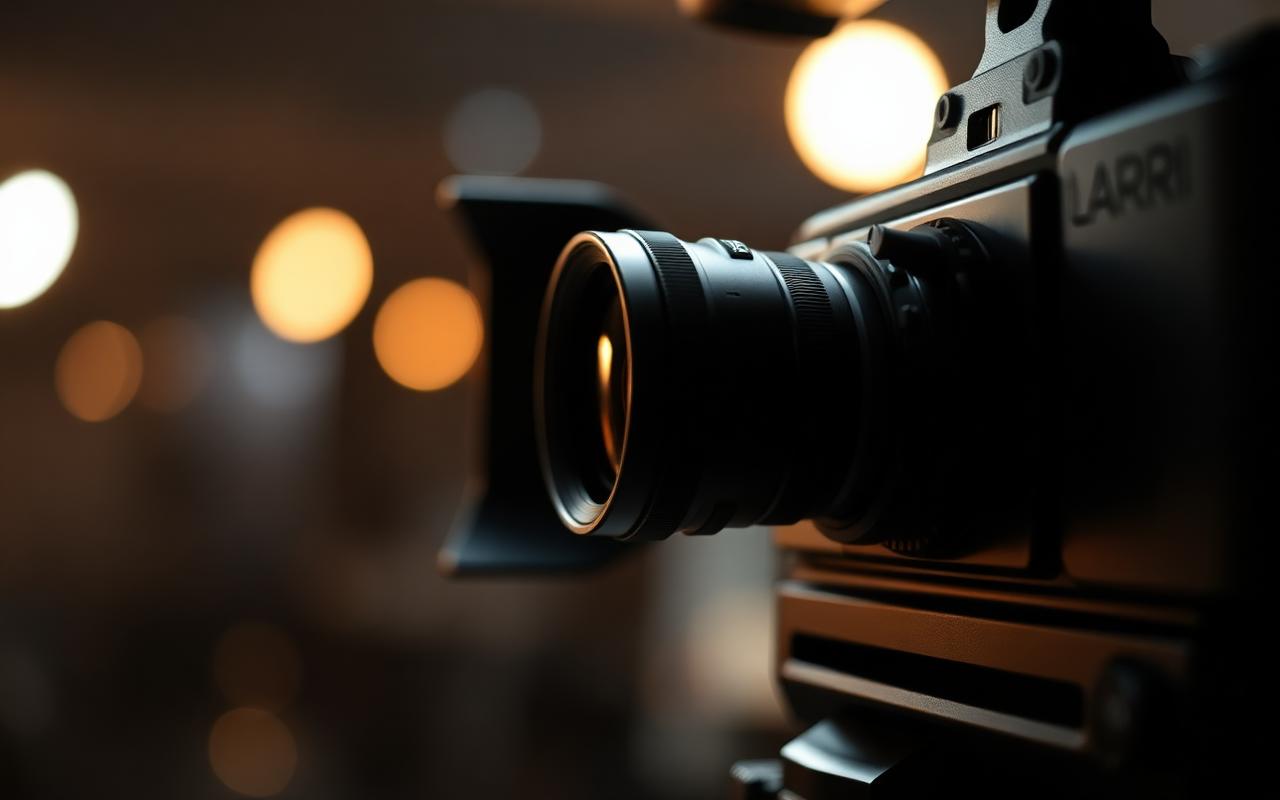
Practice on the cameras the industry actually shoots with.
Every module ships with downloadable RAW and LOG footage from professional cinema cameras — so you're never stuck practicing on stock clips that don't reflect real production.
Built like a studio apprenticeship — not a YouTube playlist.
Whether you're starting from scratch or pushing into pro-level work, this masterclass is your all-in-one path to becoming a confident, working colourist.
No experience required
We start from zero — guiding you every step of the way.
Basics to mastery
Cover both technical skills and creative artistry.
Concepts, not clicks
Understand the why behind a great grade — not just buttons.
Real RAW & LOG footage
50GB+ of practice footage from RED, Sony, ARRI, BMPCC and more.
Lifetime access
Go at your own pace. Revisit any module, anytime.
Land high-paying clients
Build your showreel, position your work, and start earning.
Plugins, LUTs & templates
Speed up your process and elevate your looks instantly.
Clear, simple teaching
No jargon — explained visually and practically.
Learn directly from an active industry colourist.
Ebin Philip is a professional colourist based in Kochi, Kerala, and the founder of Studio Hue.
His workflow is built around real client projects, grading-suite practice, commercial delivery standards, and practical problem-solving — not textbook-only learning.
The online program focuses heavily on working with actual footage, developing visual judgment, understanding cinematic color, and learning how professional workflows function in real-world projects.
The complete toolkit to become a career-ready colourist.
Not just a course — the full system: structured lessons, professional footage, grade-ready assets and a practical career roadmap.
- 12 expertly structured modules
- RAW & LOG footage from RED, ARRI, Sony, BMPCC
- Creative colour theory & psychology
- Plugins, LUTs, node setups & templates
- Career roadmap & client acquisition
- Studio workflows, OpenFX & ACES
- AI-powered tools in DaVinci Resolve 20
- Lifetime access — go at your own pace
Questions, answered.
Still unsure? Reach out and we'll help you decide if the masterclass is right for you.
Do I need any experience in colour grading or DaVinci Resolve?
Nope. This course is built for absolute beginners through to intermediate editors. Everything is explained step-by-step.
Do I need a high-end computer or paid Resolve?
No. The free version of DaVinci Resolve and a decent laptop or PC is enough to start.
Will I get RAW / LOG footage to practice with?
Yes — downloadable footage from RED, Sony, ARRI, BMPCC and more for real-world practice.
How long do I have access?
Lifetime access to all modules, updates and bonus material. Learn at your own pace.
Is there a certificate?
Yes — you'll receive a certificate of completion to showcase your new skills.
Will it help me get freelance work?
Absolutely. We cover showreels, positioning and finding high-paying clients with industry tips.
Is this only for filmmakers?
Not at all — editors, content creators, YouTubers, cinematographers and aspiring colourists are all welcome.
Can I reach the instructor with doubts?
Yes. You get access to a private student community and direct support channels.
Stop watching tutorials.
Start grading like a pro.
Lifetime access. Instant start. Your grading journey begins here.